Upgrading a Self-Hosted Langfuse Deployment
Langfuse evolves quickly (changelog) and keeping your deployment up to date is key to benefit from security, performance, and feature updates.
The Langfuse versioning and upgrade process is optimized for minimal complexity and disruption. If you ever experience any issues, please create an issue on GitHub or contact the maintainers (support).
How to upgrade
It is recommended to be familiar with our versioning policy before upgrading existing deployments.
Minor/Patch Versions
Updates within a major version are designed to be non-disruptive and are automatically applied. On start of the application, all migrations are automatically applied to the databases.
You can automatically use the latest version of a major release by using langfuse/langfuse:3 and langfuse/langfuse-worker:3 as the image tags in your deployment.
To update deployments, follow the update section in our deployment guides:
Major Versions
If you upgrade between major versions, please follow our migration guides:
Release Notes
Langfuse OSS updates — get an email when we ship important features and new releases for self-hosted (open source) Langfuse. Self-hosting updates only, no marketing or spam.
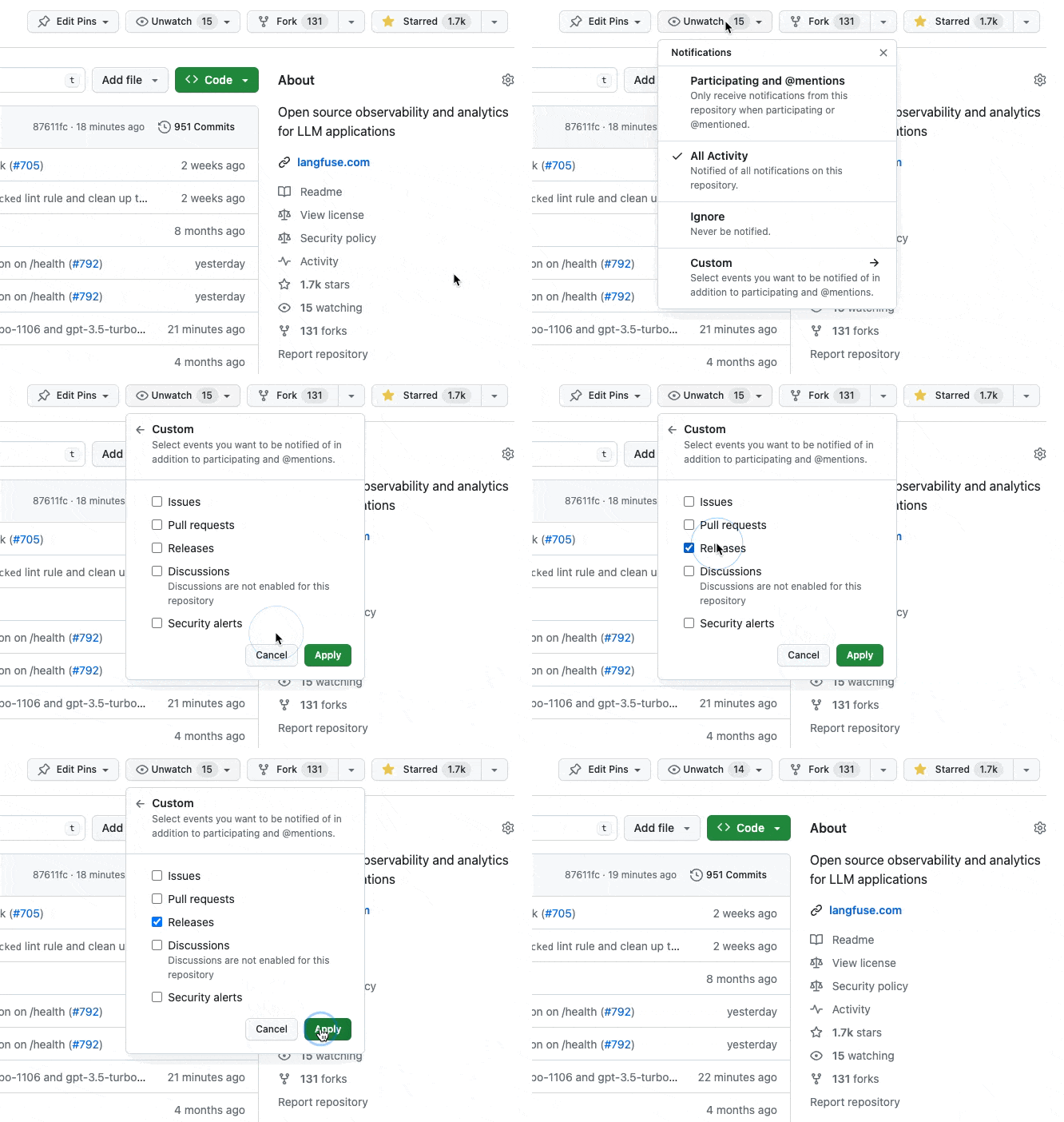
You can also watch the GitHub releases for information about the changes in each version.
Support
If you experience any issues, please create an issue on GitHub or consider other support options as part of our Enterprise offering.
Alternatively, you may consider using Langfuse Cloud, which is a fully managed version of Langfuse. If you have questions, learn more about its security and privacy here.
If you experience any issues when self-hosting Langfuse, please:
- Check out Troubleshooting & FAQ page.
- Use Ask AI to get instant answers to your questions.
- Ask the maintainers on GitHub Discussions.
- Create a bug report or feature request on GitHub.
Enterprise-grade support is available when self-hosting Langfuse. Learn more on our pricing page.
Last edited


